2.5.2 Quiz – Module 2 Processes and Tools for Troubleshooting Exam Answers
The “2.5.2 Quiz – Module 2 Processes and Tools for Troubleshooting Exam Answers” provides learners with a clear understanding of essential troubleshooting methodologies used in modern IT environments. This section focuses on structured diagnostic approaches, common analysis tools, and industry-standard practices that help technicians efficiently identify, isolate, and resolve technical problems. By reviewing these answer explanations, learners can strengthen their foundational troubleshooting skills and improve their ability to apply systematic processes in real-world scenarios.
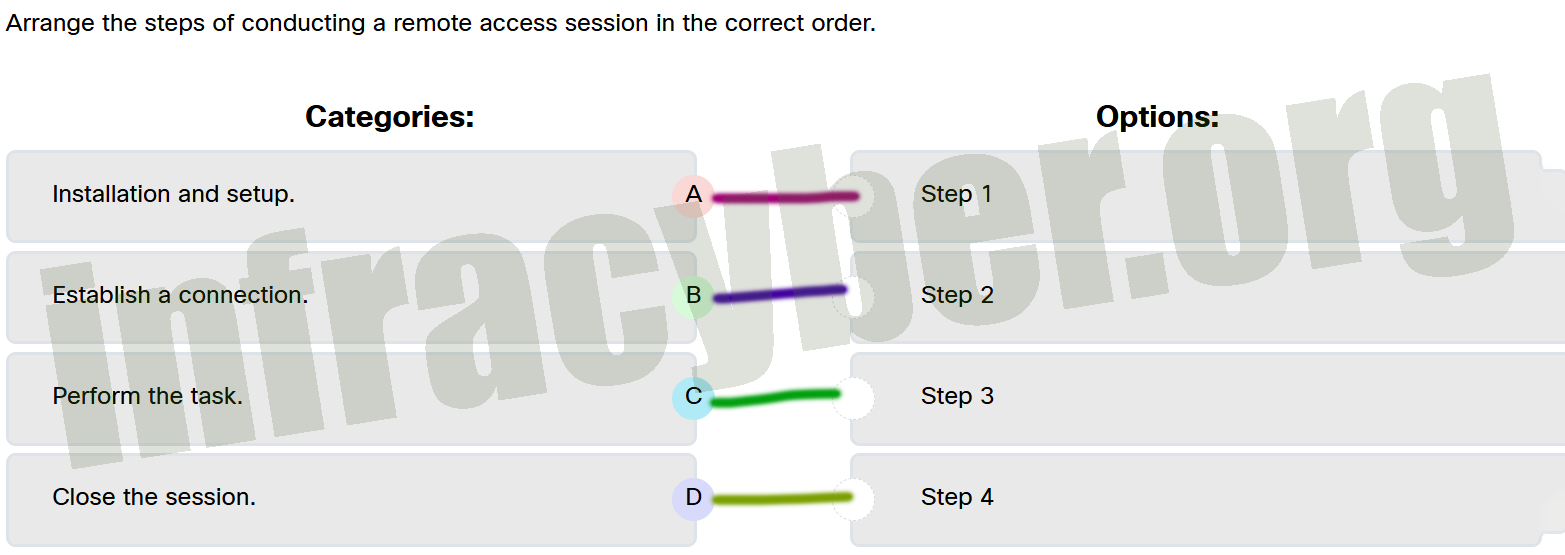
Arrange the steps of conducting a remote access session in the correct order.
Arrange the steps of conducting a remote access session in the correct order
Installation and setup. ==> Step 1
Establish a connection. ==> Step 2
Perform the task. ==> Step 3
Close the session. ==> Step 4
If a user is unable to collaborate in real-time using a tool like Microsoft Teams, which step should be prioritized during troubleshooting?
Reinstall the application and clear the user’s browser cache.
Check if the user’s device is running the latest version of the operating system.
Verify that the user has the correct permissions and access to the shared resources.
Test the user’s device with another collaboration tool that is already installed to isolate the issue.
Which statement describes one way generative AI tools, like ChatGPT, can assist in troubleshooting?
They physically repair devices remotely.
They enforce company policies and privacy laws.
They answer queries and suggest potential causes for technical issues.
They identify server anomalies that may lead to downtime if not otherwise identified.
After making a change during troubleshooting, what is the first thing the IT support technician should do?
Observe whether the issue is resolved, such as checking if the laptop has a stable connection to a Wi-Fi.
Immediately proceed to the next possible solution to see if this is a better solution.
Restart the troubleshooting process from the beginning to handle any new problems introduced by the first solution.
Assume the issue is resolved and close the case.
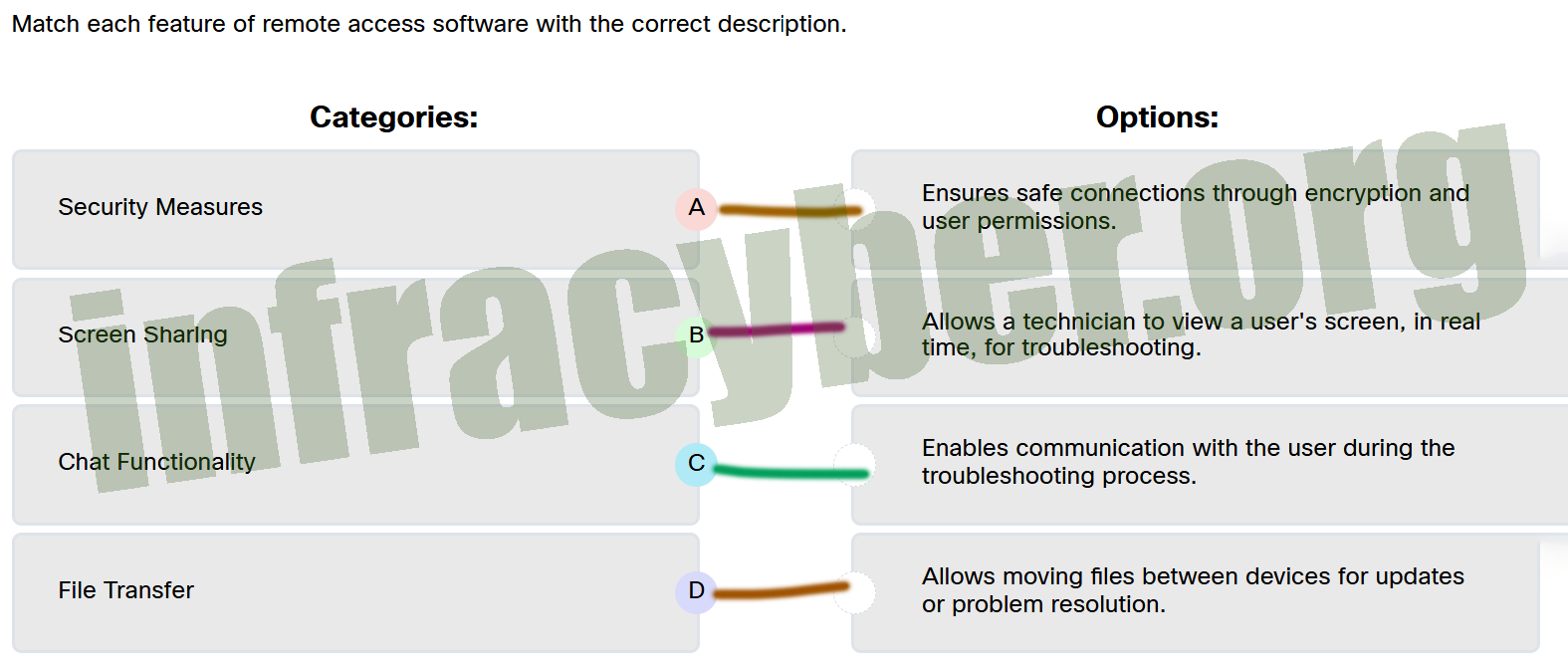
Match each feature of remote access software with the correct description.
Match each feature of remote access software with the correct description
Security Measures ==> Ensures safe connections through encryption and user permissions.
File Transfer ==> Allows moving files between devices for updates or problem resolution.
Chat Functionality ==> Enables communication with the user during the troubleshooting process.
Screen Sharing ==> Allows a technician to view a user’s screen, in real time, for troubleshooting.
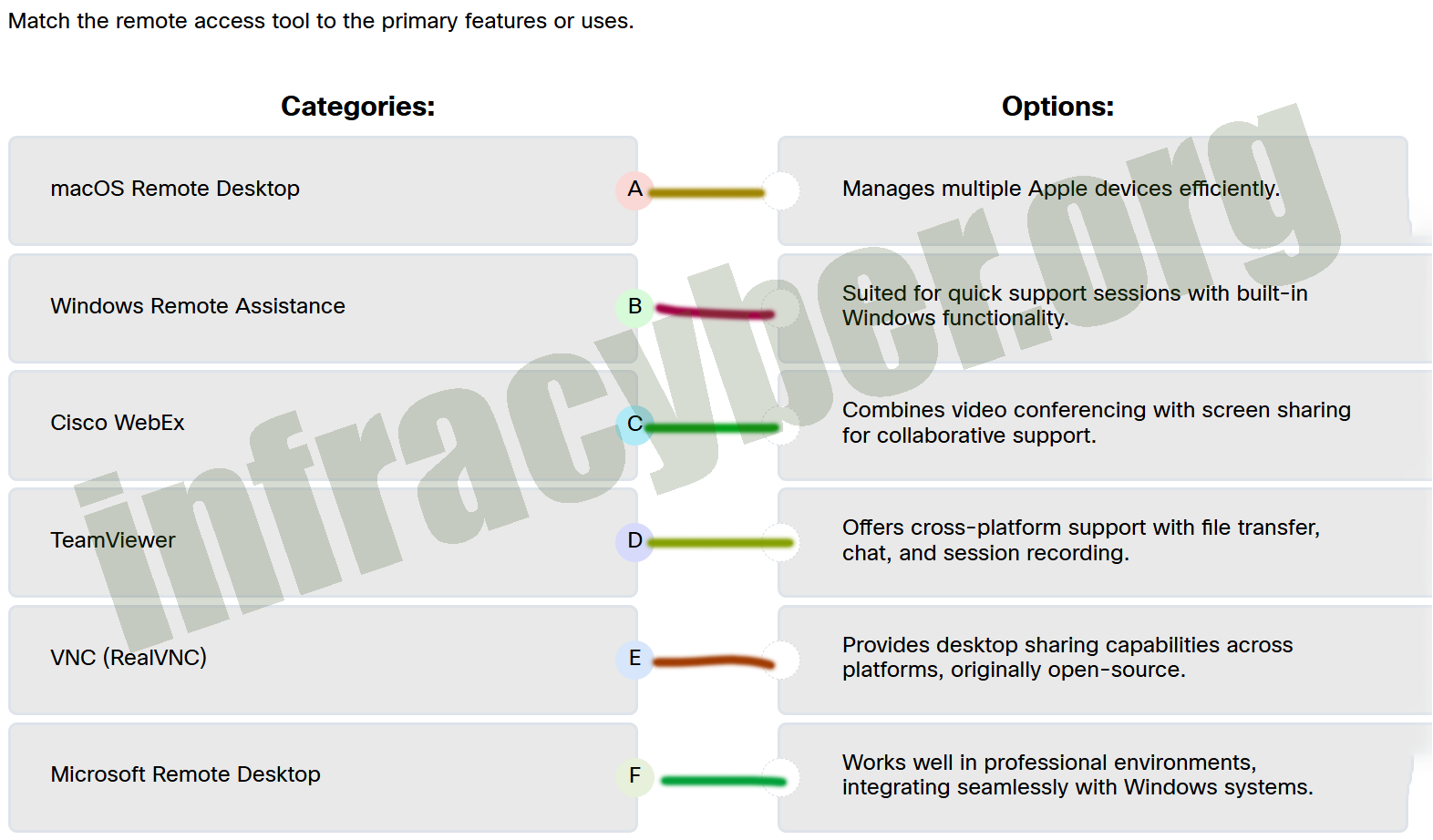
Match the remote access tool to the primary features or uses.
Match the remote access tool to the primary features or uses
TeamViewer ==> Offers cross-platform support with file transfer, chat, and session recording.
Cisco WebEx ==> Combines video conferencing with screen sharing for collaborative support.
VNC (RealVNC) ==> Provides desktop sharing capabilities across platforms, originally open-source.
Windows Remote Assistance ==> Suited for quick support sessions with built-in Windows functionality.
macOS Remote Desktop ==> Manages multiple Apple devices efficiently.
Microsoft Remote Desktop ==> Works well in professional environments, integrating seamlessly with Windows systems.
When speaking with a customer during troubleshooting, which practice demonstrates proper conversational etiquette?
Using technical terms to explain the issue thoroughly.
Asking direct questions to gather relevant information.
Suggesting that something the customer did caused the problem.
Over simplifying the explanation to ensure that the customer is understanding.
What is an important step to take before starting a remote access session?
Focus on the technician’s device compatibility, as the user’s device will automatically adjust once the session has started.
Ensure the software works on both devices and communicate clear expectations about the session.
Assume the user knows what to expect and begin troubleshooting immediately.
The technician should avoid explaining steps and actions to save time during the session.
Which application provides cross-platform support for Windows, macOS, and mobile devices, with features like file transfer, chat, and session recording?
TeamViewer
Cisco WebEx
Remote Desktop macOS
Microsoft Remote Desktop
What is a key benefit of participating in technical forums?
They guarantee professional IT support for free.
They prioritize official manufacturer responses over user input.
They provide real-world troubleshooting experiences and unique solutions.
They eliminate the need for other troubleshooting resources, saving time and effort.
When troubleshooting issues with a computer system, which process is the most critical precaution to take before beginning repairs?
Document the serial numbers of the computer components.
Update the operating system and drivers.
Back-up the customer’s data.
Test the hardware thoroughly.
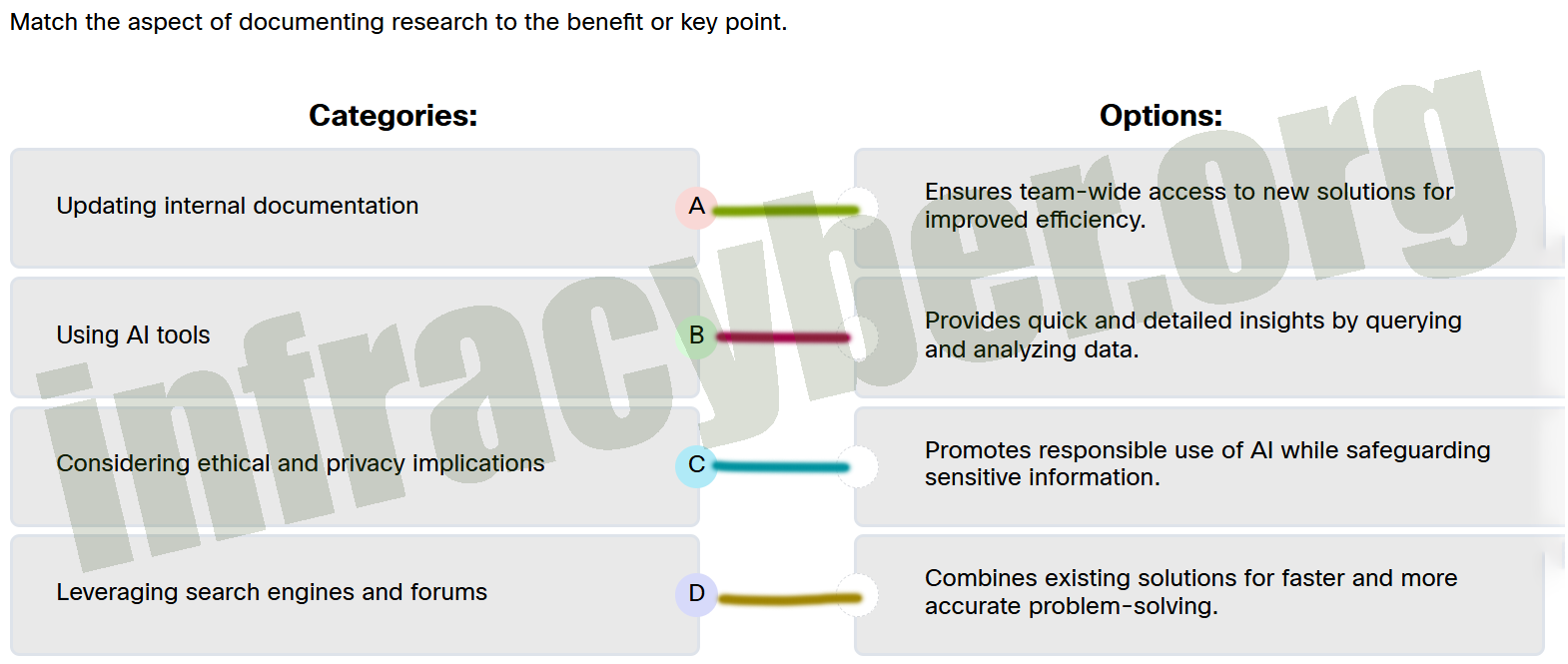
Match the aspect of documenting research to the benefit or key point.
Match the aspect of documenting research to the benefit or key point
Using AI tools ==> Provides quick and detailed insights by querying and analyzing data.
Leveraging search engines and forums ==> Combines existing solutions for faster and more accurate problem-solving.
Considering ethical and privacy implications ==> Promotes responsible use of AI while safeguarding sensitive information.
Updating internal documentation ==> Ensures team-wide access to new solutions for improved efficiency.
What is a common cause of email synchronization problems?